
SHAREit
SHAREit is a free Windows app from the SHAREit Team for moving photos, videos and documents between a PC and a phone. The current version is 5.1.0.7.
22.7 MB

WinSCP is a free, open-source SFTP and FTP client for Windows that copies files between your PC and remote servers. This page covers version 6.5.7.
Average 0.0 · ratings: 0
Thank you! Your rating is saved; you can change it. Could not save the rating. Please try again later. Too many ratings from your network today. Please try again tomorrow. The average appears after 5 ratings.
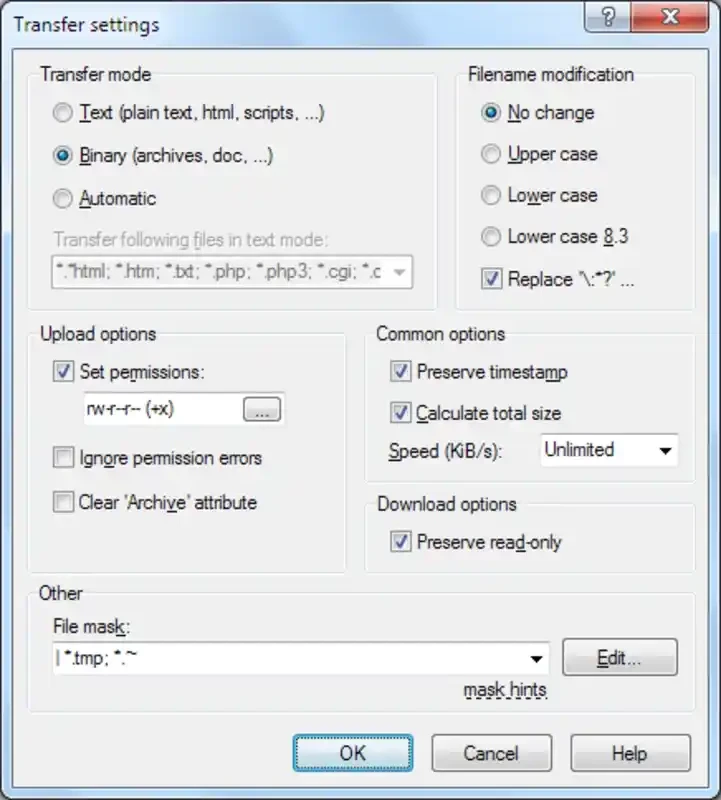
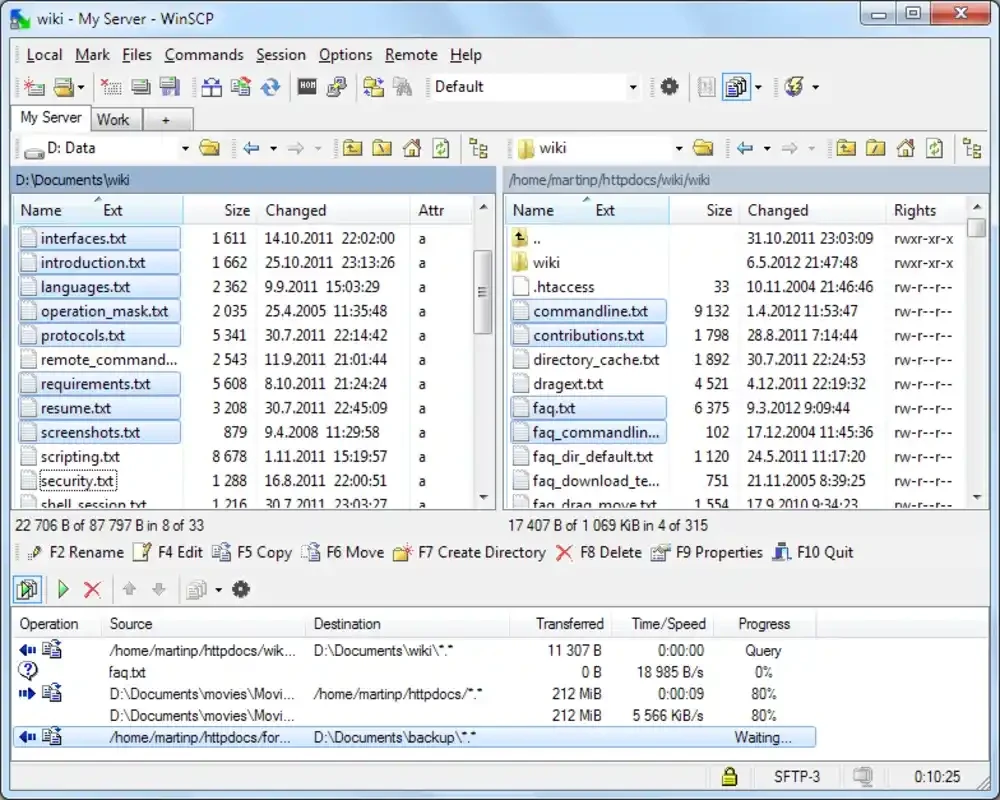
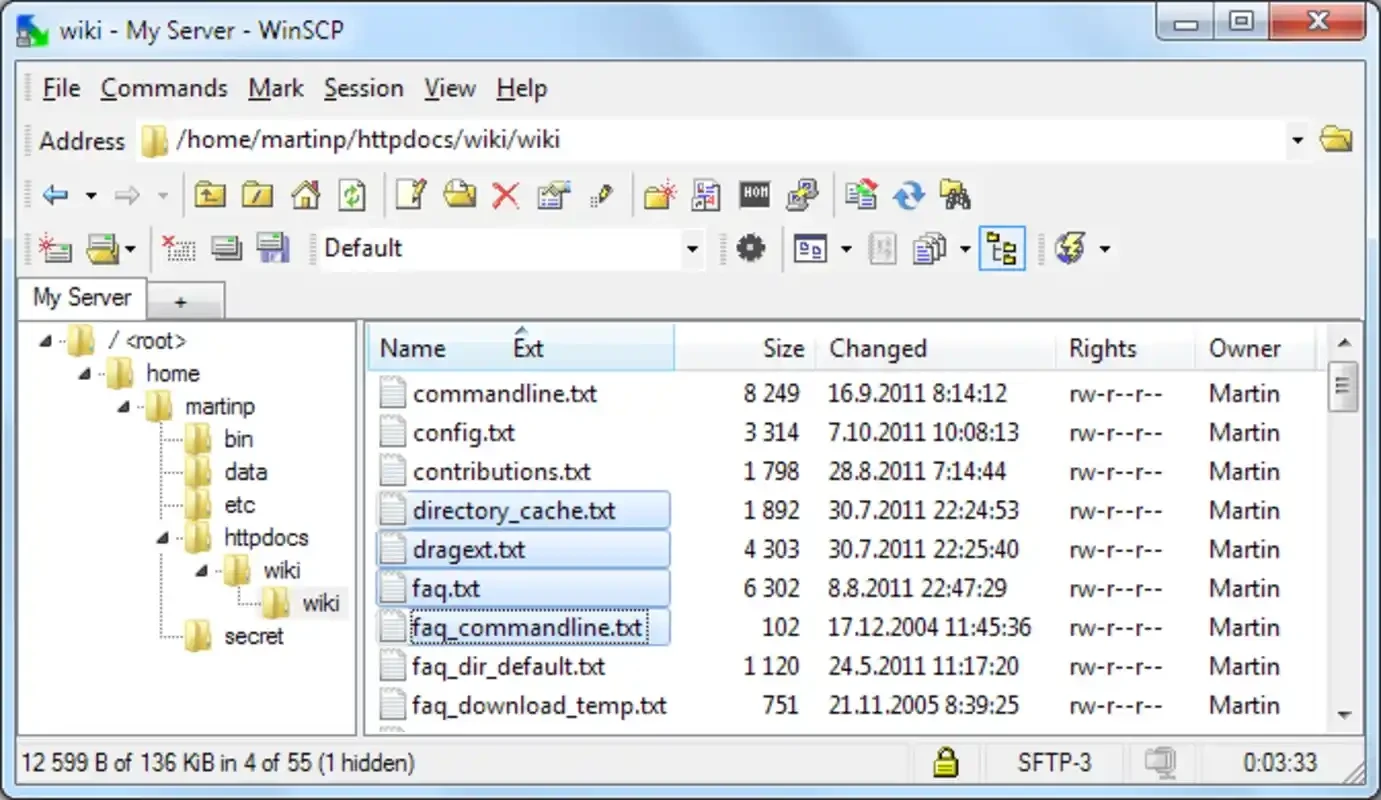
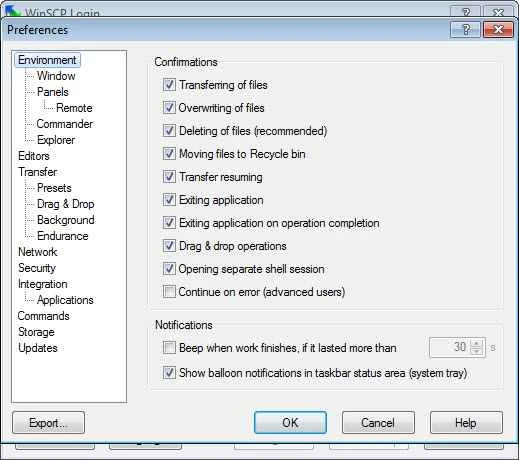
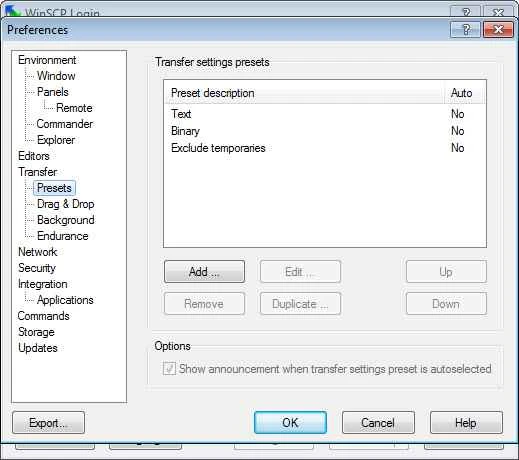
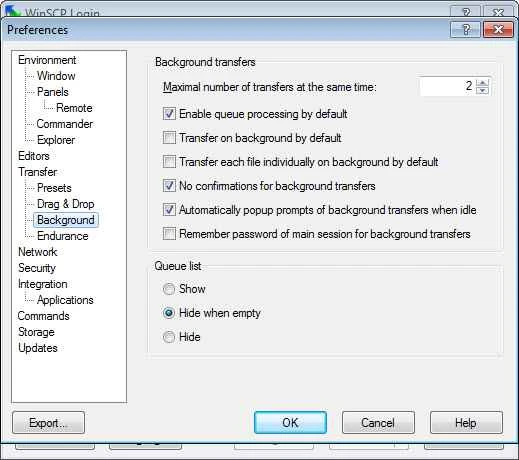
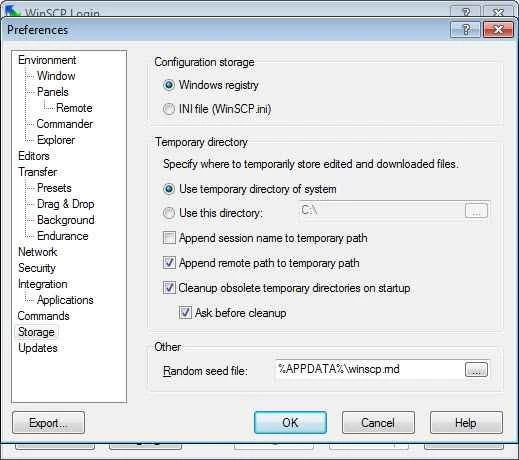
WinSCP 6.5.7 for Windows is a free, open-source client for copying files between your computer and a remote server over SFTP, FTP, WebDAV and SCP. You can download it from winscp.net or the Microsoft Store; here are clear answers to the questions people ask before they install it.
WinSCP is a file transfer program created by Martin Prikryl, first released on 30 September 2000 and still maintained by the WinSCP team. It speaks the protocols that web hosts and Linux servers use every day: the SSH File Transfer Protocol and secure copy for encrypted connections, classic FTP, and WebDAV. The program shows your local files and the server side next to each other, in the style of an orthodox file manager, or in an Explorer-like layout if you prefer, and you move files by dragging them between the panels. You can rename, delete and move files on the server, change permissions and save connection details for every site you manage. That practical focus is why system administrators and web developers on Windows have used it for more than two decades. The code is written in C++ and published under the GNU GPL version 3.0 or later.
Full details are on the official requirements page.
Yes. It is open source and its home is winscp.net. Take the installer only from there or the Microsoft Store, since fake download pages sometimes push modified copies. Prefer SFTP over plain FTP, and protect stored passwords with a master password in the preferences.
Nothing. WinSCP is free software for personal and commercial use; donations are welcome but optional.
Yes. The portable executables run without installation, which is handy on locked-down PCs or on a USB stick.
Other file transfer tools in our listings: FileZilla, a cross-platform FTP client; PuTTY, for SSH terminal sessions; and MobaXterm, which combines a terminal with file transfer. The version history lists changes in every WinSCP release.
SHAREit is a free Windows app from the SHAREit Team for moving photos, videos and documents between a PC and a phone. The current version is 5.1.0.7.

Zapya for Windows is a free file transfer app from DewMobile for moving files between a PC and phones over a local wireless connection.

Easy Connection to Screen is Samsung's Windows app for showing a PC's screen on a compatible Samsung TV over a wireless connection.

Internet Download Manager (IDM) is a shareware download manager for Windows from Tonec that accelerates, resumes and schedules downloads.

uTorrent (μTorrent) is a small BitTorrent client for Windows from Rainberry (BitTorrent Inc) for downloading and sharing files over torrents.

AnyDesk is a remote desktop application for connecting to and controlling another computer over the internet, from a small Windows program.

ShareMe is Xiaomi's free app for sending files between devices without a cable; on Windows the Android app runs only inside an emulator.

Xender is a free file sharing app from the Xender File Sharing Team for sending files between phones and computers over a local connection.